1) Connect your work laptop to office network or via VPN.
2) Press CTRL + ALT + DEL keys at the same time.
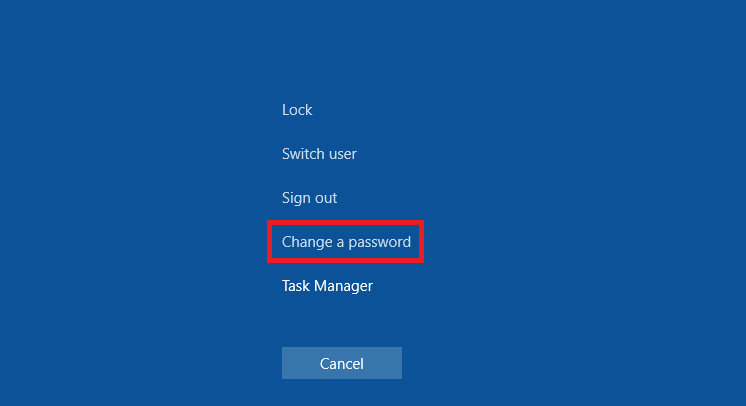
3) Select Change a password option.
4) Enter old and new passwords.
![How To Change Password In Windows 10 [Tutorial] - YouTube](https://i.ytimg.com/vi/5bHK3uGKa54/maxresdefault.jpg)
5) Hit ENTER to change password.
For assist, please contact IT team.
1) Connect your work laptop to office network or via VPN.
2) Press CTRL + ALT + DEL keys at the same time.
3) Select Change a password option.
4) Enter old and new passwords.
5) Hit ENTER to change password.
For assist, please contact IT team.
Comments
0 comments
Article is closed for comments.