(1) A valid Zoom meeting and webinar account is needed to complete this task.
(2) Login to Zoom at https://zoom.us using your assigned Zoom meeting and webinar account
(3) Select Webinars from left menu
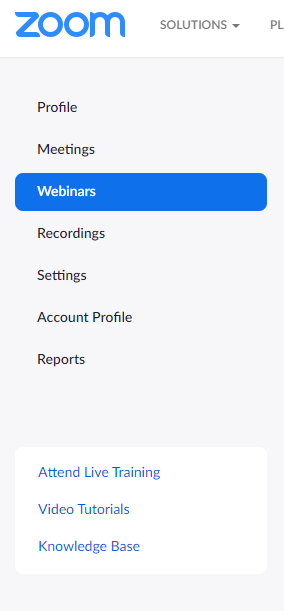
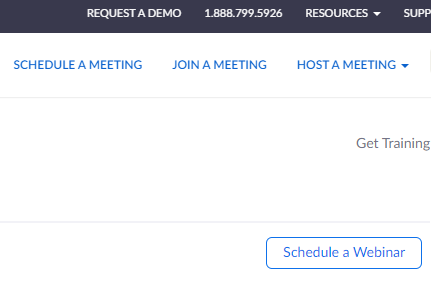
(4) Click on Schedule a Webinar on the right
(5) Fill in the details (Topic, Date, Time, Duration, etc)
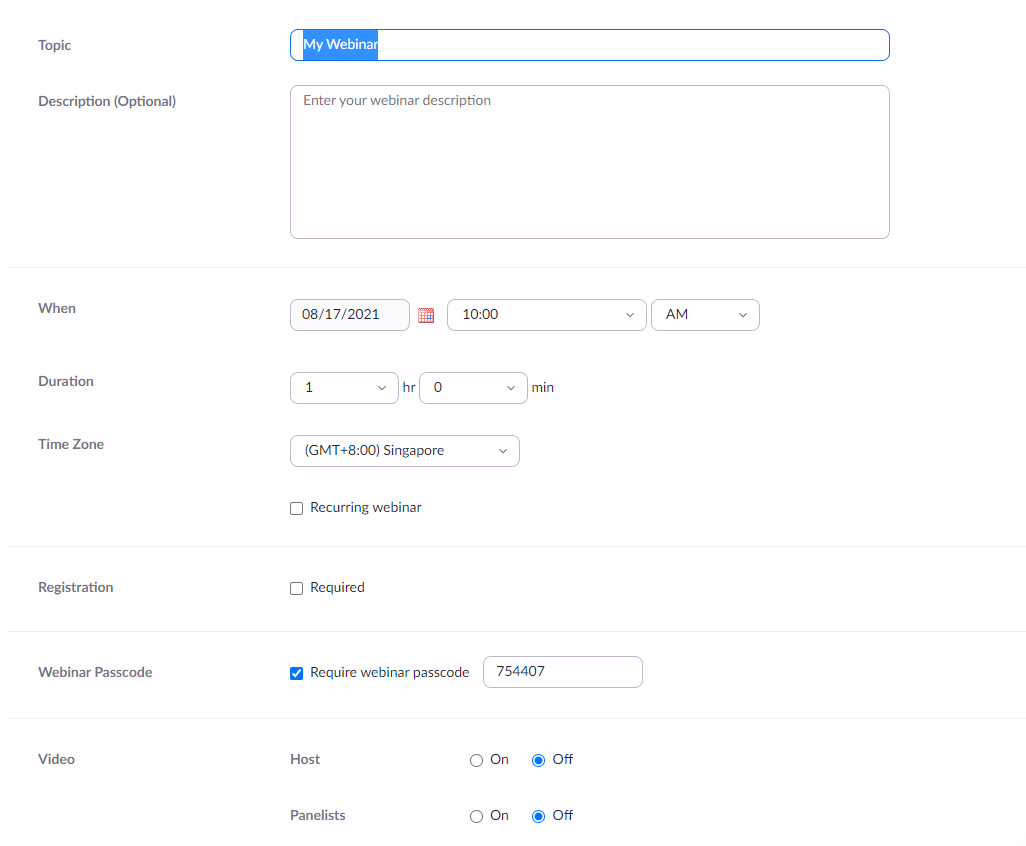
(6) Click on Schedule at the bottom of the page to save the webinar

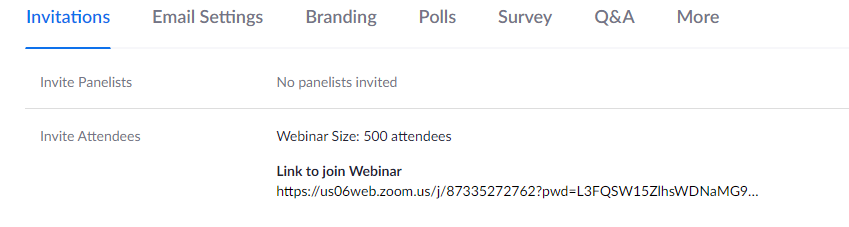
(7) Share the link in the next page with the webinar attendees
(8) For assistance, please approach IT team.
Comments
0 comments
Article is closed for comments.