- A laptop with microphone and camera plus internet connection are needed to complete this task.
- Access your Sunstar Microsoft Teams meeting calendar invitation in your personal/work email via a web browser such as Chrome.
- Click on "Join Microsoft Teams Meeting".

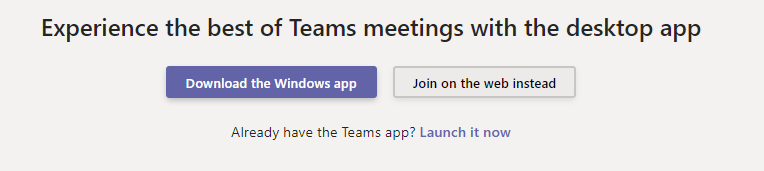
- Select "Join on the web instead" option to bypass Windows app installation.
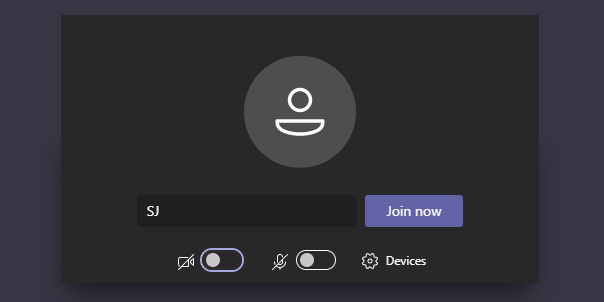
- Enter your name and click "Join Now".
- You may see the message "Someone in the meeting should let you in soon" while waiting in the virtual lobby.
- Once Sunstar's employee admitted you, you may proceed with the meeting. Do not forget to turn on your microphone and camera.
- To end the meeting, click on hang up icon.
Comments
0 comments
Article is closed for comments.