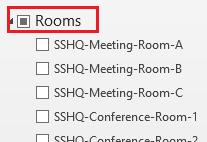
- If the meeting room that you want to check is in the "Rooms" category in your calendar. Continue to Step 3. If not continue to Step 2 to add the meeting room calendar.
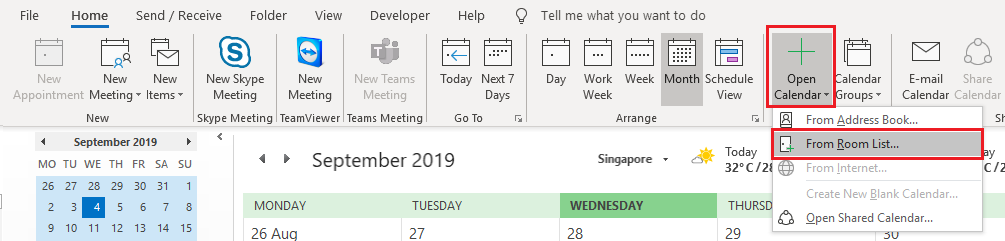
- Click on "Open Calendar" and select "From Room List..."
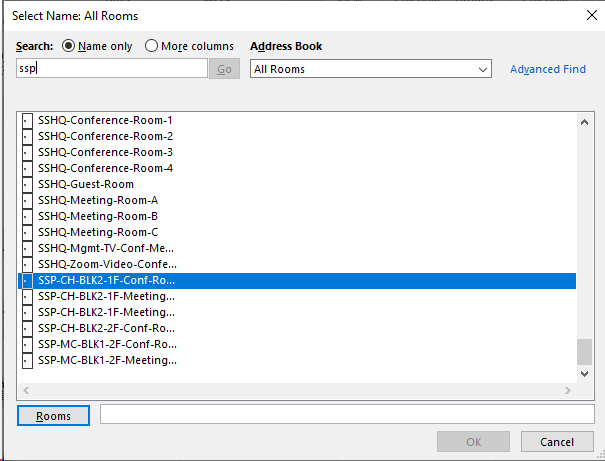
- Search and select the meeting room that you want.
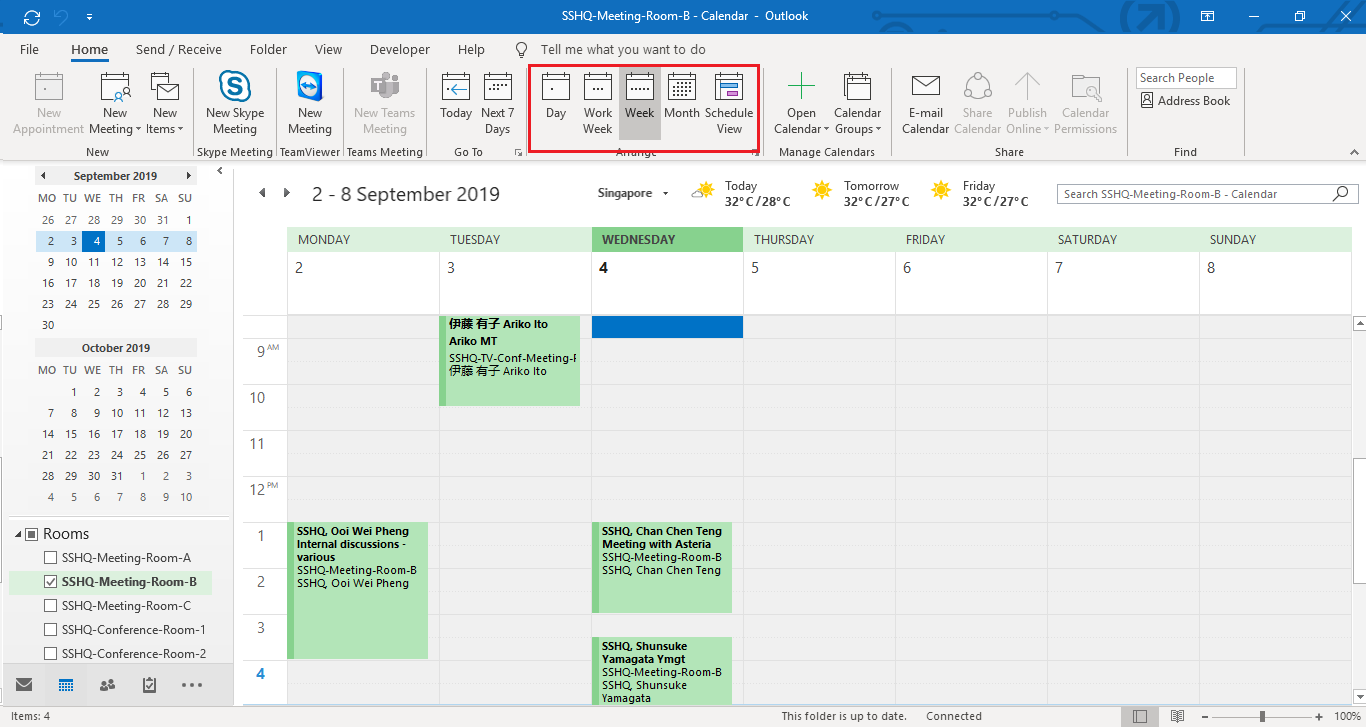
- Select the meeting room in your calendar
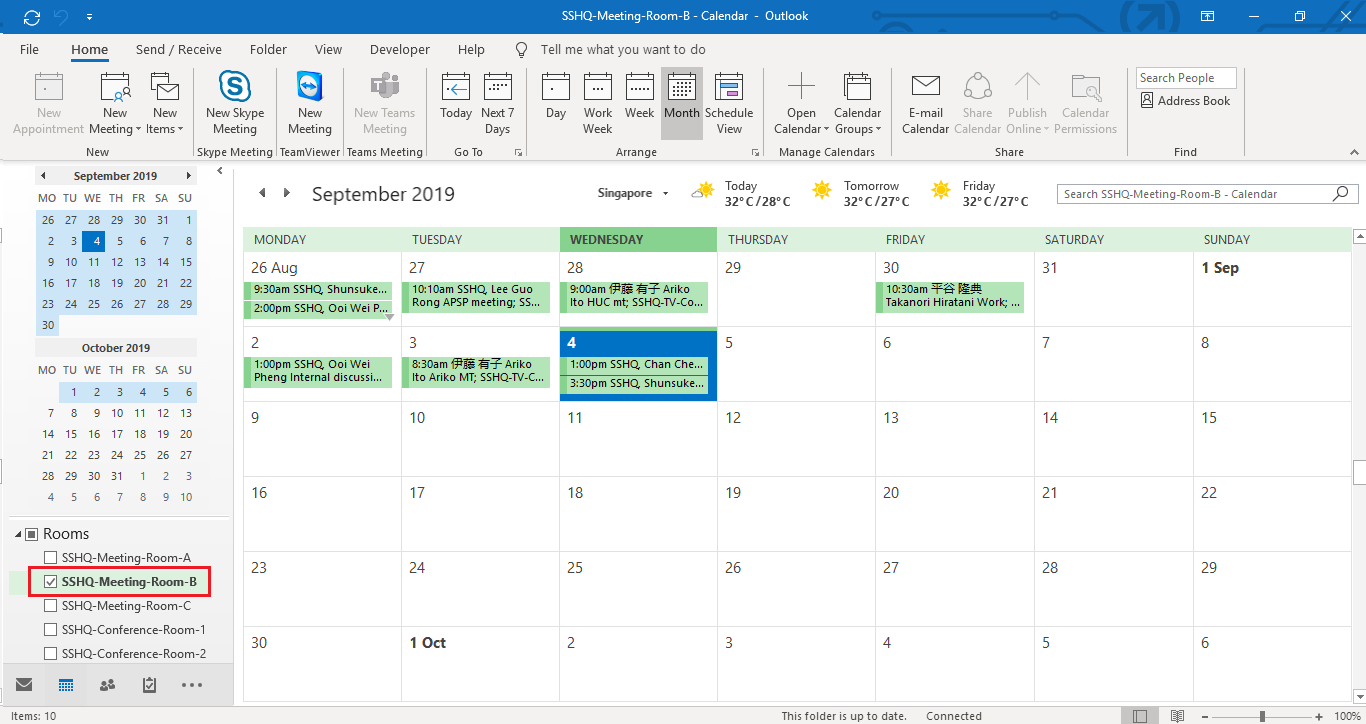
- You can switch the view by day, week, month for easier viewing.
Comments
0 comments
Please sign in to leave a comment.